The USB port can operate in one of two modes: Keyboard or Standard:
Several protocols (data formats) are supported and can be selected using switches. Supported baud rates are 115200, 57600, 19200, and 9600.
To get around delays inherent in USB drivers, Riponda can send time-stamped information in both Keyboard and USB Serial modes. The timer can be reset via a light sensor or an external TTL signal. In USB Serial mode, the timer can also be reset via a command sent over USB.
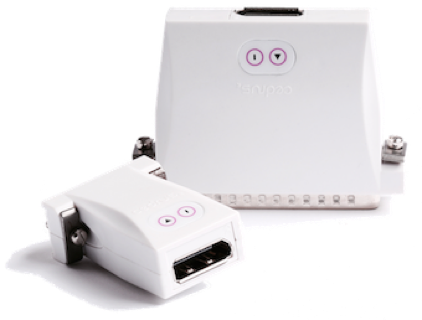
The response pad is compatible with Cedrus’ range of m-pod devices. This allows the controller to send event markers to a recording device of your choice, e.g. EEG or eye tracker. The following signals can be marked:
XID, or eXperimental Interface Device, is a technology first used by Cedrus in 2001 on Lumina’s first generation controller and later adopted on all Cedrus hardware products. Riponda implements the more advanced XID 2.0 platform. The firmware is upgradeable.
The response pad does not require an AC adapter. It is powered by USB.
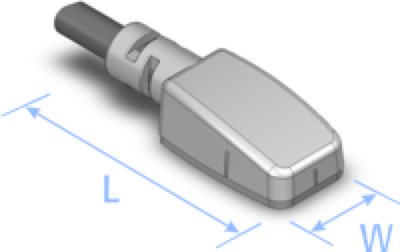
The light sensor is available in two colors: black and white. Notches are molded in on three sides to allow for easy positioning on the screen. The controller can be configured so that detection of light can reset the built-in timer.
The response and release times are dependent on the amount of light.
The light sensor is small, measuring only 8mm (W) by 20mm (L) including the wire’s strain relief.
Key switches travel distance: 2mm
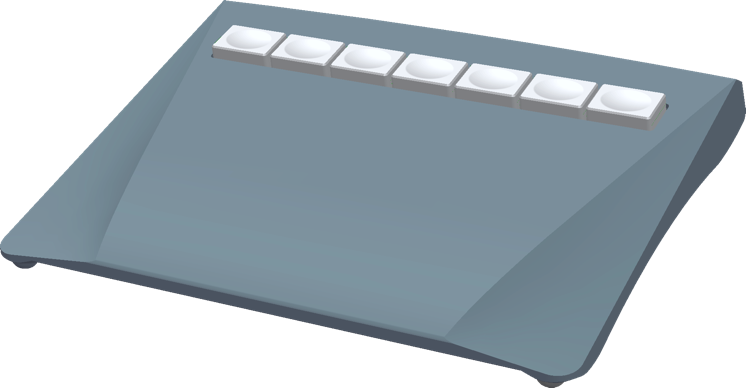
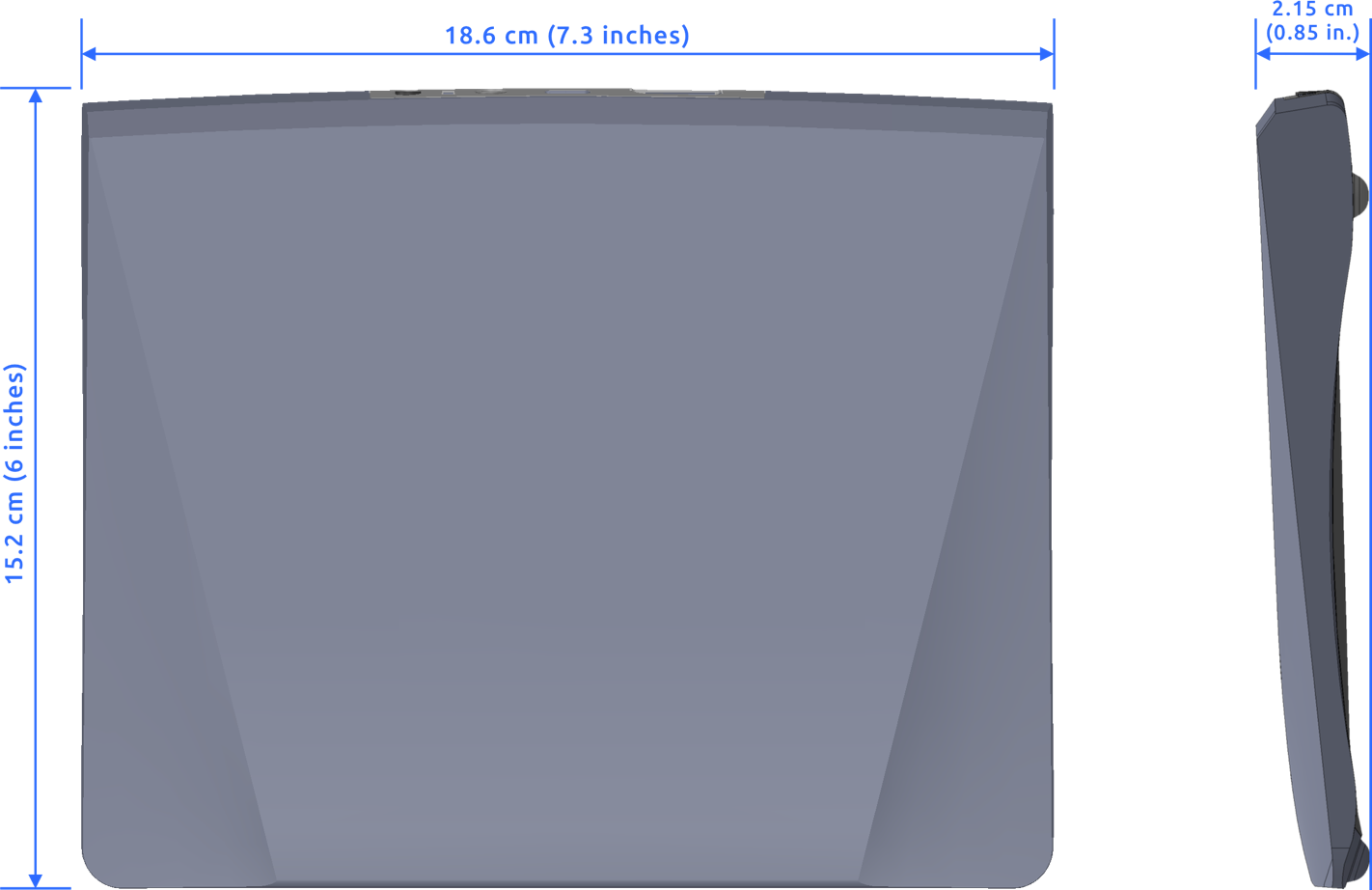
Rectangular key caps: 2 by 1.5 cm (0.79 by 0.6 inches)
MORE ON RIPONDA
• 30 day money back guarantee
• 1 year warranty
• Free support
• Contact us for questions


Specifications
PRODUCTS
SUPPORT
STAY IN TOUCH


© Copyright 2026 Cedrus Corporation, P.O. Box 6309, San Pedro, CA 90734 - USA
Phone: +1-310-548-9595. Send us an email
qwerasdf

