Thank you for purchasing SuperLab.
SuperLab will never interrupt an experiment in progress due to the expiration of an activation period.
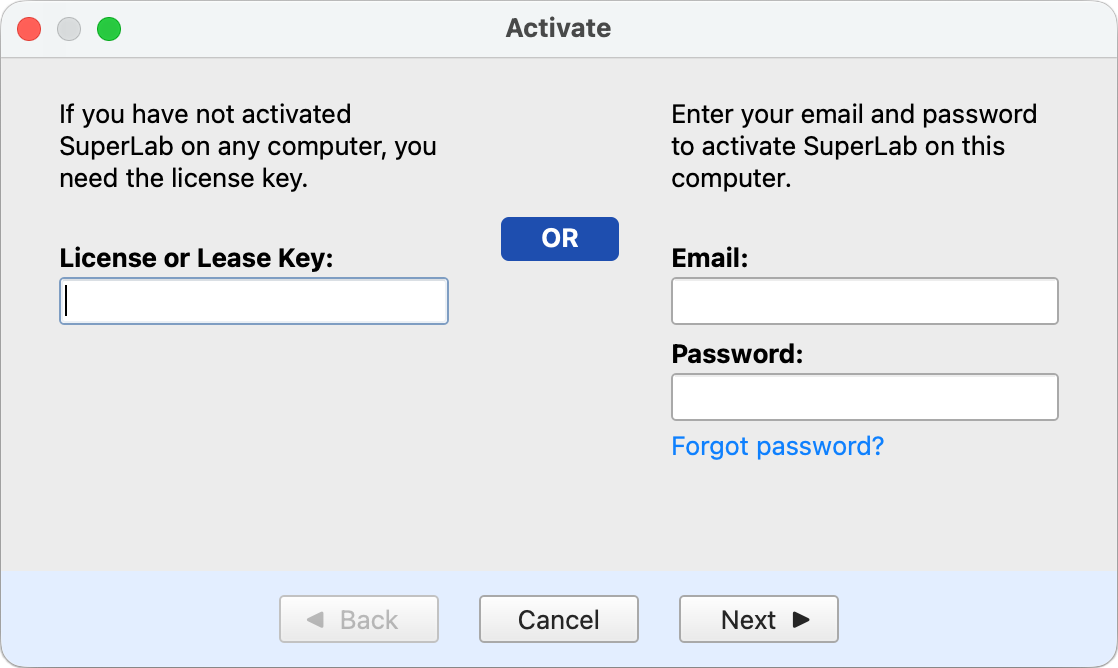
If SuperLab is still running in trial mode, in the sidebar click on License & Update and then click on the Activate SuperLab… button. You will see the dialog below. If not in trial mode, this dialog will appear automatically:
The license key that was sent to you is disposable: it can be used only once to establish an account, after which you use your email and password.
When the activation period ends, SuperLab will prompt you to enter your password in order to renew. Contact us if you run into a problem.
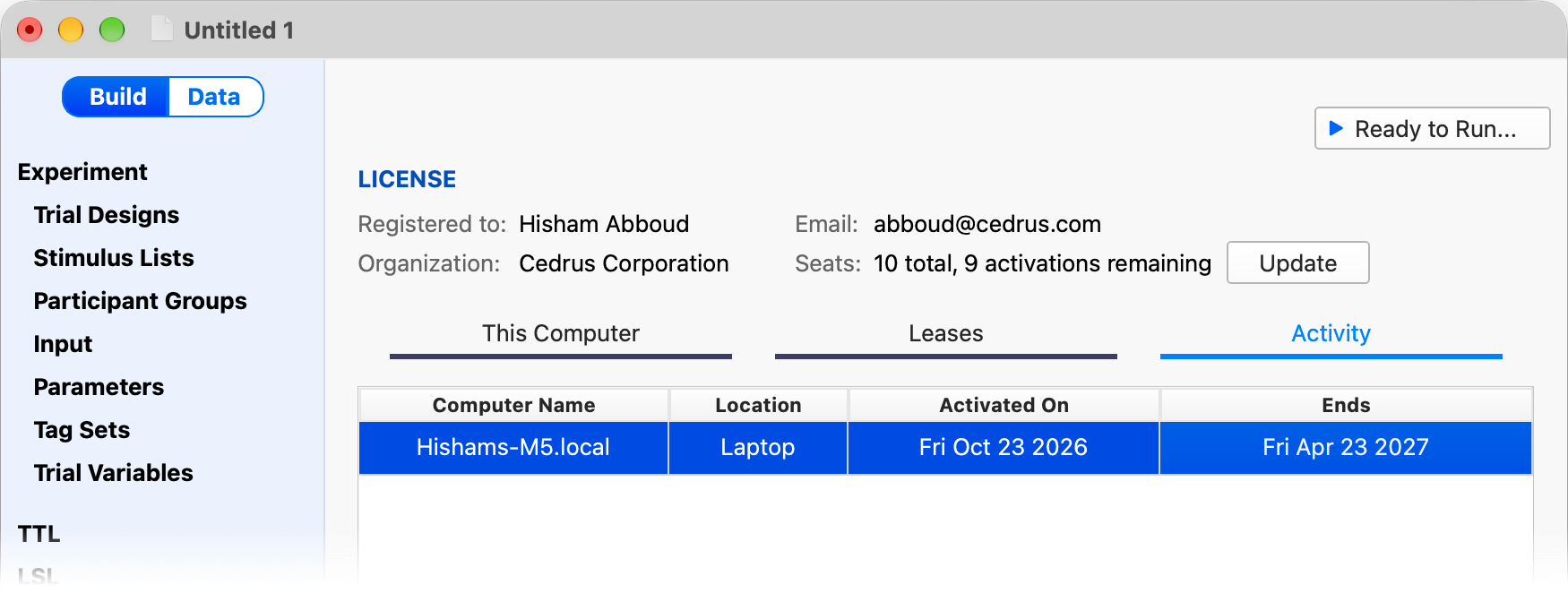
SuperLab has built-in tools that come in handy when you have more than a single seat. One of these tools is the ability to see which computers are activated and for how long.
In the sidebar click on License & Update and then select the Activity tab:
Is the license perpetual?
Yes. SuperLab does not require a subscription. And all minor updates are free.
It is asking me to specify a duration. Is this for a trial?
No, it is the full program.
What happens when the activation period expires?
You can easily reactivate it, either on the same computer by simply re-entering your password, or on another computer altogether.
If I cannot deactivate, how do I move my license to a different computer?
Once the activation period ends, you can then activate SuperLab on a different computer.
How long should I activate for?
For as long as you plan to use SuperLab on that particular computer, e.g. a semester. Remember, you can always reactivate as many times as you want.
Can I try it first?
Sure. Activate for just one day to see how it works.
PRODUCTS
SUPPORT
STAY IN TOUCH


© Copyright 2026 Cedrus Corporation, P.O. Box 6309, San Pedro, CA 90734 - USA
Phone: +1-310-548-9595. Send us an email
qwerasdf