Here are sample instructions that you can provide to your remote participants. Text that you’d want to customize is shown in italics. We recommend that you provide separate sets of instructions for Mac and Windows users because this will keep them shorter and less overwhelming.
Thank you for participating in our study. The task can be ran on most Windows or Mac computers. Please remember to email us back the data file when done.
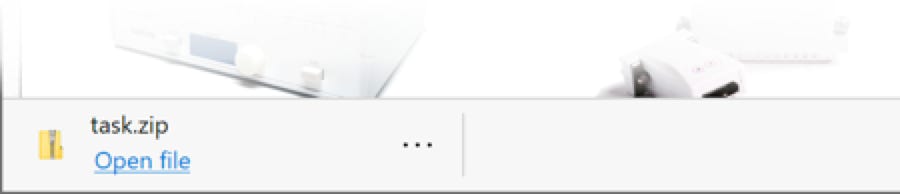
Windows 7, 8, or 10 is needed. Here is the download link. Once downloaded:
The task will now run. Please follow the on-screen instructions. When the task is complete, the app will automatically exit. At this point:
Afterwards, you can delete the “your-folder’s-name” folder and the file “Task Data.txt”.
Thanks again for participating.
⬅︎ Back to SuperLab Support main page
Last Revision: Aug 7, 2020
Important: do not provide your participants with a link to this page. Rather, setup your own page that includes links to your experiment and the email address to have the data sent back to you.

PRODUCTS
SUPPORT
STAY IN TOUCH


© Copyright 2023 Cedrus Corporation, P.O. Box 6309, San Pedro, CA 90734 - USA
Phone: +1-310-548-9595. Send us an email. See privacy policy.
qwerasdf