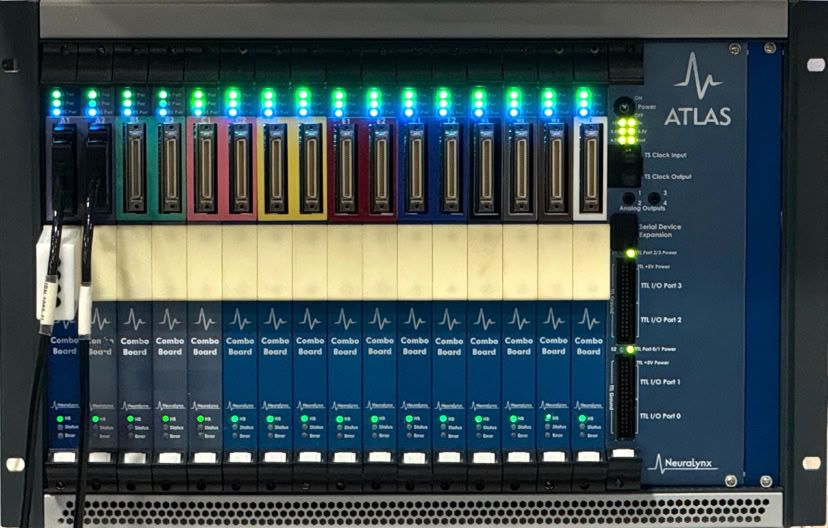
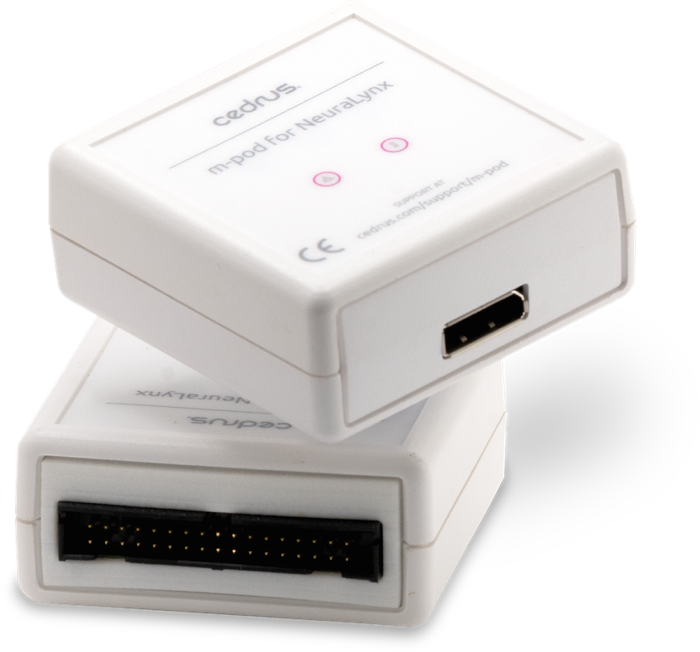
m-pod works seamlessly with nearly all NeuraLynx equipment that have a TTL I/O port (40-pin header), providing a true plug-and-play integration.
m-pod delivers up to 16 bits of event markers.
m-pod is not a standalone product. It is used with StimTracker, Riponda (or earlier RB Series) response pads, or Lumina.
Here is how m-pod connects when combined with a Riponda response pad:
The response pad draws its power from your computer via USB. When a key is pressed, information is sent at the same time via USB to the computer and via m-pod to NeuraLynx.
The combination allows four different types of signals to be delivered:
This provides an excellent value if these are all the signals that you need.
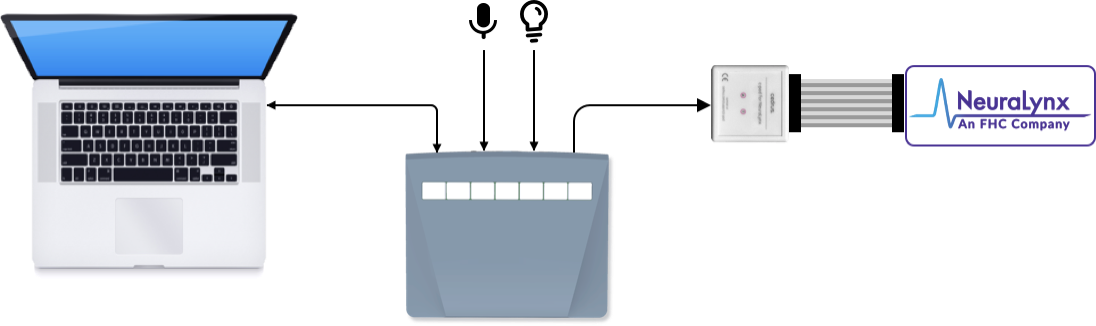
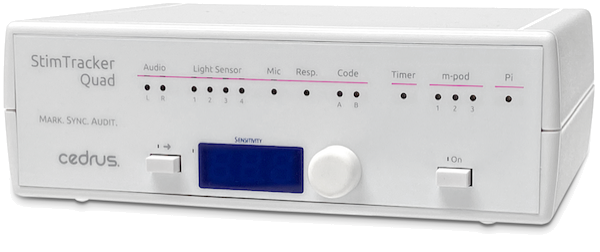
StimTracker offers more options than the combination of response pad + m-pod described above:
Additionally, with the StimTracker Quad model, you can:
Using m-pod with StimTracker is described on this page.
Events markers appear in NeuraLynx’ software.
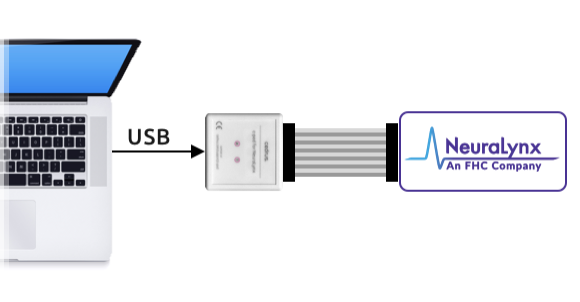
Use c-pod to send event markers via USB.
What To Do Next
…in selecting the best solution or discussing any special requirements that your lab might have. Email us.
To order StimTracker instead, see this page. You can also order from one of Cedrus’ international distributors.
MORE ON M-POD
• 30 day money back guarantee
• 1 year warranty
• Free support
• Contact us for questions
NeuraLynx

PRODUCTS
SUPPORT
STAY IN TOUCH


© Copyright 2026 Cedrus Corporation, P.O. Box 6309, San Pedro, CA 90734 - USA
Phone: +1-310-548-9595. Send us an email
qwerasdf


