
Support ‣ XID ‣ Commands Reference ‣ Calibrating c-pod Timing
Affected Applications
This discussion affects c-pod users where timing over a period of time must be better than 1%. Examples are:
- Using the pulse table commands to auto-generate markers over minutes or hours.
- On Universal c-pod and c-pod for MindWare, using the c4 command to time-stamp the input, typically over the course of an experiment.
The more typical application where you send event markers are not affected. In those situations, pulses produced by c-pod are typically too short for timing to be impacted.
Why
Cedrus devices are smart products powered by a microprocessor, which requires an oscillator. On our larger products, namely StimTracker, Riponda, RB-x40 response pads, and Lumina, we use a quartz oscillator. This is a very precise electronic component.
The initial requirement of c-pod was to provide simple functions within the smallest size possible (e.g. c-pod for actiCHamp). Due to space constraints, a simpler but less accurate RC oscillator was used. As c-pod’s capabilities have grown, the requirement for timing accuracy has also grown.
Calibration
Cedrus has developed a method for calibrating c-pod so timing remains precise. This method consists of three commands in firmware version 2.3.5 or later and code running on the computer. The code calculates the timing adjustments that are needed and then stores them in flash memory. This would be a one-time operation; you do not need to calibrate before the start of every experiment.
The Commands
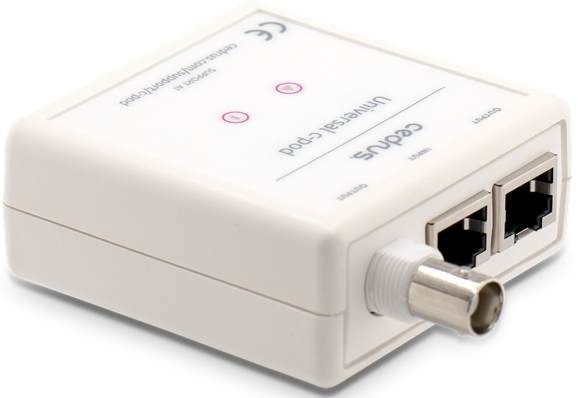
fa + action • Stop or Start Oscillator Test
fb + value • Set Adjustment Value

Send fa1 to start the test. This will stop all other c-pod functions including producing any output. Send fa0 to stop the test; c-pod returns to normal operation.
Sending _fa will return the time in milliseconds since the last fa1 or _fa command and will clear the internal fa timer.
The value is a single, signed byte argument that adjusts the oscillator in 0.05% increments. For example, to adjust the oscillator by 1%, the value should be 20. The value is saved to non-volatile memory.
fc + value • Set Adjustment Flag
Send fc1 to indicate that the oscillator test has been conducted. Sending _fc returns 0 or 1.
Last revision: Jul 10, 2025

