Support ‣ m-pod
Welcome to m-pod customer support area.
Setting Up m-pod
m-pod does not require the installation of a USB driver. It connects to a StimTracker Duo or Quad, an RB-x40 response pad, or Lumina controller via the included cable.
The cable has a latch that prevents it from coming loose. To release it, you must press the latch release first.
Application Support
m-pod does not require explicit application support. It works as long as the software can communicate with a Riponda or RB-x40 response pad, StimTracker Duo or Quad, or Lumina 3G.
Supported Vendors: EEG, Eye Tracker, NIR, and More
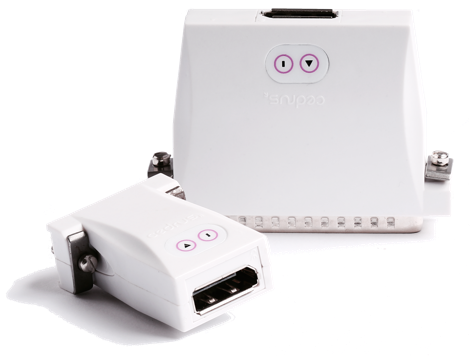
m-pod comes in different sizes and models:
Changing m-pod Options
m-pod provides some powerful options. Cedrus also provides Xidon, a free utility program that lets you configure these options and have them permanently stored in flash memory.
- Installing Xidon
- Configuring Pin Assignments
- Setting a Minimum Pulse Duration
- Changing Output Mode and Logic
Other Support Documents